AI image generation is the process of using a machine learning model typically a diffusion model or a transformer-based system to create a new image from a text description, a reference image, or both. In 2026, generating an image with AI involves choosing a tool suited to your goal (photorealism, illustration, marketing assets, or product mockups), writing a detailed prompt describing subject, style, lighting, and composition, generating multiple variations, and refining the result through prompt adjustments, inpainting, or upscaling. Most leading tools now let you go from a rough text idea to a polished, usable image in under a minute.
How AI Image Generators Actually Work
There are two dominant approaches shaping how modern AI image generators produce results, and understanding the difference helps explain why some tools behave so differently from others.
Diffusion-based models, the approach used by tools like Stable Diffusion and Midjourney, start with random visual noise and gradually refine it, step by step, into a coherent image that matches the text prompt. This is why diffusion outputs tend to look painterly or photorealistic and why they can vary significantly between generations, even with an identical prompt.
Transformer-based, autoregressive models, an approach reflected in tools like Google's Imagen and increasingly in OpenAI's image systems, generate an image more like how a language model generates text predicting the image piece by piece based on patterns learned from massive training datasets. This tends to produce stronger text-rendering inside images and more consistent adherence to complex, multi-element prompts.
Neither approach is universally better they're just suited to different jobs. Diffusion models remain a favorite for artistic and stylistic flexibility, while transformer-based systems have pulled ahead on tasks that need precise text, logos, or exact object counts inside an image.
Text-to-Image AI vs. Image-to-Image AI: The Core Distinction
Almost every confusing moment beginners run into with AI image generators traces back to one structural difference: whether you're starting from text alone, or starting from an existing image.
Text-to-image generation takes a written prompt and produces an entirely new image from scratch, with no visual reference involved. This is the classic type what you want, get an image workflow most people picture when they think of AI art generators.
Image-to-image generation takes an existing image (a sketch, a photo, or a previous AI generation) and transforms it based on a prompt, while preserving elements of the original composition, pose, or layout. This is what's actually happening when someone uploads a rough sketch and asks a tool to make this photorealistic, or takes a product photo and asks for a different background.
Aspect | Text-to-Image | Image-to-Image |
Starting point | Written prompt only | An existing image plus a prompt |
Best for | Original concepts, illustrations, marketing visuals from scratch | Refining a composition, style transfer, editing existing photos |
Control over composition | Lower the model decides layout | Higher original layout is preserved |
Typical use case | Blog headers, concept art, social graphics | Product photo editing, style variations, restoring old photos |
Common tools | Midjourney, DALL-E, Stable Diffusion (txt2img mode) | Stable Diffusion (img2img mode), Adobe Firefly, Photoshop's Generative Fill |
Most professional workflows in 2026 actually combine both: generating a rough concept with text-to-image, then refining specific elements using image-to-image techniques like inpainting.
What Makes an AI-Generated Image Actually Good
1. Prompt specificity. Vague prompts produce generic results. A prompt like a coffee shop leaves too much to chance, while a cozy coffee shop interior, warm afternoon light through large windows, exposed brick wall, wooden tables, shot on a 35mm lens gives the model concrete visual anchors to work with.
2. Style and medium clarity. Specifying whether you want a photograph, a 3D render, a watercolor painting, or a flat vector illustration dramatically narrows the model's output space and reduces inconsistent results.
3. Composition and framing language. Terms borrowed from photography and cinematography close-up, wide shot, rule of thirds, bird's-eye view give the model spatial instructions that plain descriptive language often misses.
4. Post-generation refinement. Very few professional-quality AI images are the first output from a single prompt. Iterating through variations, using inpainting to fix specific problem areas, and upscaling for resolution are what separate a rough first draft from a genuinely usable final image.
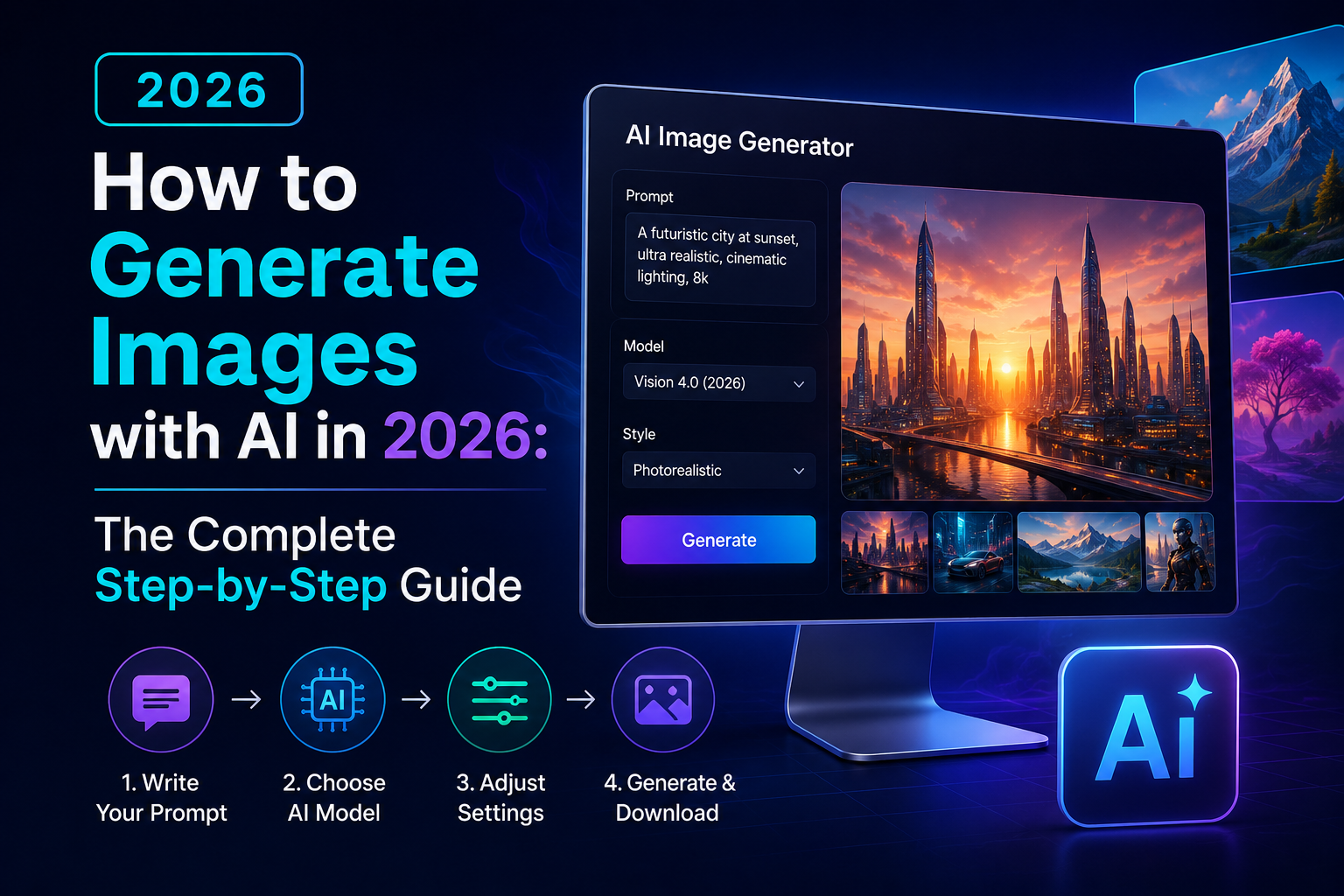
Step-by-Step: How to Generate an Image with AI
Step 1: Define your exact use case first. Before opening any tool, decide whether you need a photorealistic image, a stylized illustration, a marketing graphic, or a product mockup this decision should drive which tool you pick, not the other way around.
Step 2: Choose a tool suited to that use case. Photorealistic and artistic work tends to favor Midjourney or Stable Diffusion, while business and marketing assets often favor Adobe Firefly (built with commercial licensing in mind) or Canva's built-in AI tools for quick social content.
Step 3: Write a detailed, structured prompt. Include the subject, the setting, the lighting, the style or medium, and the composition or camera angle in that order, most tools weight earlier prompt elements more heavily.
Step 4: Generate multiple variations. Almost every tool generates a batch (typically 2-4 images) per prompt treat this batch as your first draft, not your final answer, and look for the version closest to your vision rather than expecting a single perfect result.
Step 5: Refine through iteration. Adjust your prompt based on what the first batch got wrong add clarifying details, remove elements that confused the model, or try a different phrasing for the specific detail that didn't render correctly.
Step 6: Use inpainting or editing tools for targeted fixes. Most 2026-era tools include an inpainting feature that lets you select a specific region of the image (a hand, a background object, text) and regenerate just that section without redoing the whole image.
Step 7: Upscale and export for your final use case. If the image is destined for print or a large digital display, run it through the tool's built-in upscaler (or a dedicated upscaling tool) before final export, since most generators default to web-resolution output.
AI Image Generation by the Numbers
The pace of adoption here has been fast. According to Adobe's 2025 Digital Trends research, a majority of surveyed marketers reported using generative AI tools, including image generation, as part of their regular content production workflow. Adobe has also reported that billions of images have been generated using Firefly since its 2023 launch, reflecting how quickly generative image tools moved from novelty to daily-use software for creative and marketing teams.
Separately, OpenAI has publicly noted rapid uptake of its image generation capabilities within ChatGPT following major model upgrades, with usage spikes reported in the tens of millions of images generated within days of a notable feature update.
Myth-Busting: AI Image Generators Just Copy Existing Art
One of the most repeated misconceptions is that AI image generators work by literally stitching together pieces of existing images pulled from their training data. That's not how modern diffusion or transformer-based models function. These systems learn statistical patterns shapes, textures, lighting relationships, and style characteristics across massive datasets during training, and then generate entirely new pixel arrangements based on those learned patterns when producing an image from a prompt. The output is not a collage of source images; it's a new image constructed from learned visual concepts. That said, this doesn't mean the underlying legal and ethical questions around training data are settled that debate is real and ongoing, but it's a separate issue from the mechanical claim that generators are simply copy-pasting existing artwork.
When Does an Image Stop Being AI-Generated?
This boundary comes up constantly in commercial and creative contexts, and it's more nuanced than people expect.
Clearly AI-generated: An image produced entirely from a text prompt with no human-created visual starting point, such as a marketing graphic created from scratch through a text-to-image tool.
Clearly not AI-generated: A photograph taken with a camera and only lightly color-corrected using traditional (non-generative) editing tools, with no generative elements added or altered.
The borderline case: A photograph where a human-shot background has been extended, an object has been removed, or a sky has been replaced using a generative fill tool. Industry practice, including guidance reflected in Adobe's own content credentials system, generally treats these as AI-assisted or partially AI-generated images rather than fully human-created or fully AI-generated, since both human photography and generative modification are meaningfully present in the final result.
Choosing the Right AI Image Generator for Your Needs
Not every tool serves every purpose well, and picking based on hype rather than fit is one of the most common early mistakes.
For artistic and stylized work: Midjourney remains a strong choice for painterly, illustrative, and highly stylized outputs, particularly favored by artists and designers wanting a distinct aesthetic quality.
For open-ended customization: Stable Diffusion, being open-source, allows for extensive customization through community-trained models and fine-tuning, making it a favorite among developers and technically inclined creators who want granular control.
For commercial and business use: Adobe Firefly is built specifically with commercial licensing clarity in mind, an important factor for businesses that need to confidently use generated images in paid marketing campaigns without ambiguity over usage rights.
For quick social and marketing graphics: Tools with built-in AI generation inside broader design platforms (like Canva) are well suited for teams that need fast turnaround without a steep learning curve.
For conversational, iterative image editing: Chat-based tools with integrated image generation, such as ChatGPT's image capabilities, work well when you want to describe changes conversationally and refine an image through back-and-forth dialogue rather than rewriting a full prompt each time.
Common Prompt-Writing Mistakes That Ruin Results
Being too vague. A one-line prompt with no style, lighting, or composition detail leaves too much to the model's default assumptions, which rarely match what you actually pictured.
Overloading a single prompt with too many competing subjects. Asking for five distinct elements to all appear correctly positioned in one image usually produces a cluttered, inconsistent result simpler, more focused prompts tend to render more reliably.
Ignoring aspect ratio and framing needs upfront. Deciding on square, portrait, or landscape orientation after generation means re-doing work that should have been specified from the very first prompt.
Expecting one prompt to produce a perfect final image. As covered in the step-by-step process above, iteration is a normal, expected part of the workflow not a sign that something went wrong.
Practical Business Use Cases for AI Image Generation
Marketing and social content. Generating on-brand visuals for social posts, blog headers, and ad creative without needing a full photoshoot for every piece of content.
Product mockups. Visualizing how a product might look in different settings or packaging variations before committing to physical samples or professional photography.
Concept and pitch visuals. Quickly generating visual concepts for pitch decks, mood boards, or early-stage design direction before investing in full production.
Website and landing page imagery. Producing custom, on-brand hero images instead of relying on generic stock photography that competitors may also be using.
Final Thoughts
The core answer here is straightforward: generating a genuinely good AI image in 2026 comes down to picking the right tool for your specific use case, writing a detailed and structured prompt, and treating the first batch of results as a starting point rather than a finished product. Whether you're creating marketing visuals, product mockups, or original artwork, the workflow defines your use case, writes a detailed prompt, generates variations, refine, and upscale stays consistent across nearly every tool on the market.
If you're generating images for business or marketing purposes and want them to actually convert rather than just look nice, pairing strong visuals with equally strong written content matters just as much. At Contentiris, we help businesses across the USA build content strategies from SEO copywriting to visual content planning that turn AI-powered tools like these into real, measurable growth rather than just interesting experiments.
FAQs
1. What's the easiest way to generate an AI image as a beginner?
Start with a tool that has a simple text box and no technical setup, like Canva's AI image generator or ChatGPT's built-in image generation, and write a detailed prompt describing subject, style, and lighting before generating.
2. Are AI-generated images free to use commercially?
It depends entirely on the tool's specific licensing terms Adobe Firefly is built with commercial licensing clarity in mind, while some other tools have more ambiguous terms, so always check the specific platform's usage rights before using an image commercially.
3. Why do AI-generated images sometimes get hands or text wrong?
Hands have complex, variable structures that are historically harder for diffusion models to render consistently, and text requires precise character-level accuracy that many models still struggle with, though newer transformer-based models have significantly improved text rendering.
4. Can I edit a specific part of an AI-generated image without redoing the whole thing?
Yes this is called inpainting, and most modern AI image tools let you select a specific region and regenerate just that part while keeping the rest of the image unchanged.
5. What's the difference between Midjourney and DALL-E?
Midjourney tends to produce more painterly, stylized results favored for artistic work, while DALL-E (integrated into ChatGPT) tends to follow detailed, literal prompts more precisely and handles conversational refinement well.
6. How detailed should my AI image prompt be?
Generally, more specific is better include the subject, setting, lighting, artistic style or medium, and composition details, since vague prompts leave too much to the model's default assumptions.
7. Can AI-generated images be used for print, or are they web-only?
Most tools default to web resolution, but images can be prepared for print by using the tool's built-in upscaling feature or a dedicated upscaling tool before export.
8. Is it possible to get the same character or subject to look consistent across multiple AI-generated images?
Yes, though it requires specific techniques like reference images, consistent seed values, or dedicated character-consistency features that several 2026-era tools now offer, since default generation alone doesn't guarantee consistency across separate prompts.
Get a free audit and see exactly how this applies to your site.